
See how YouTube Dubbing removes language barriers with just one click
Intelligent Dubbing
Dubbing stays synced when you pause, change speed, or scrub.
AI subtitles
AI generates and caches subtitles; processed videos play instantly.
Global Languages
Covers major languages, regional accents, and smaller languages.
Multiple Voices
Switch between male, female, and regional voices.
Multi-Platform
Works on PC, Android, iOS, and major browsers.
Multiple Sites
Beyond YouTube, we keep adding major video platforms.
Speaker Detection
Detect multiple speakers and assign each a voice.
Keep Background Audio
Keep original background audio for a more natural mix.
Webpage TTS
Select webpage text and play it as speech.
Universal Dubbing
Detects subtitle tracks; videos without captions can be uploaded for recognition and email notification.
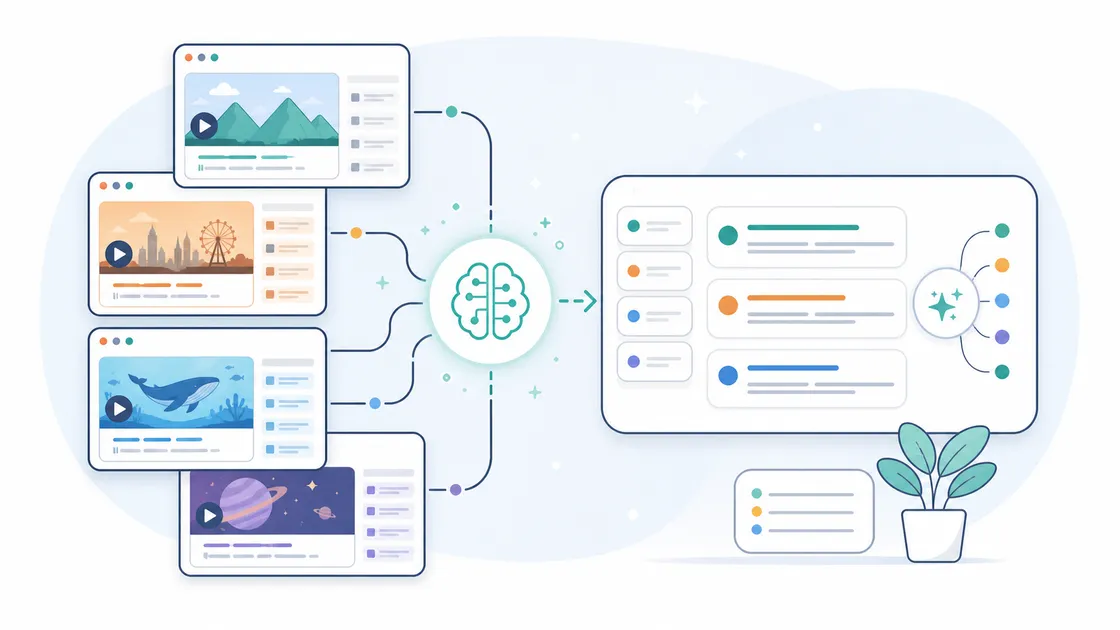
Subtitle Summary
Summarize subtitles on every supported dubbing site.
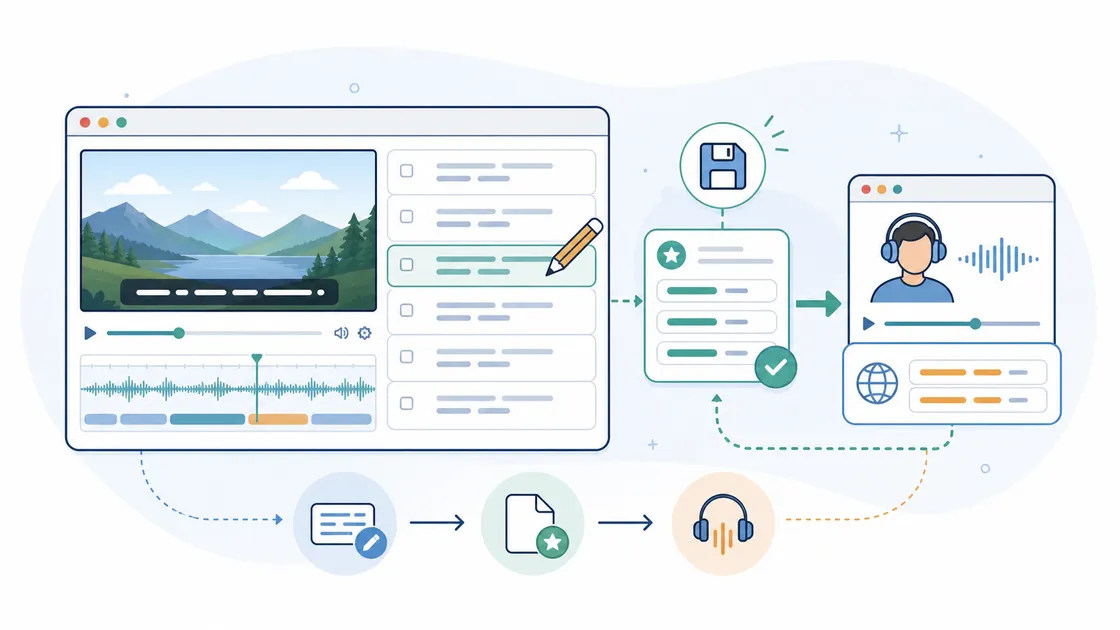
Subtitle Editor
Edit and save your own subtitles for translation and dubbing.
Keys to Success
Awesome features to level up your business
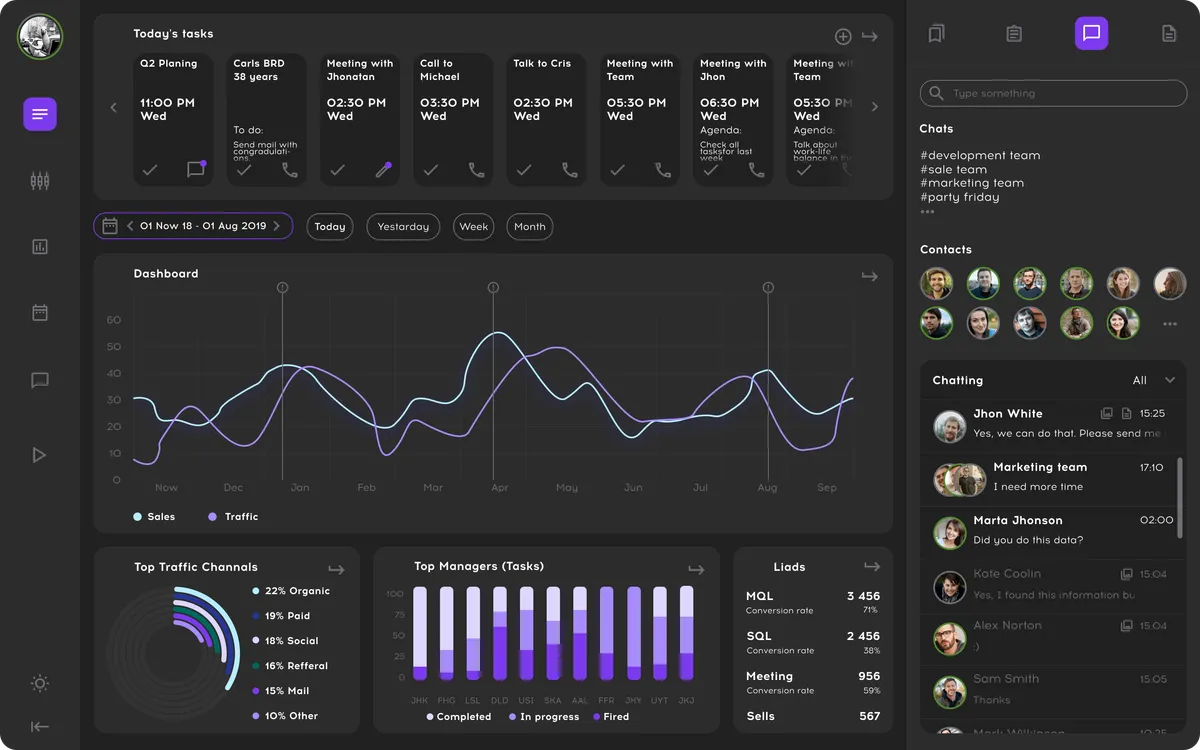
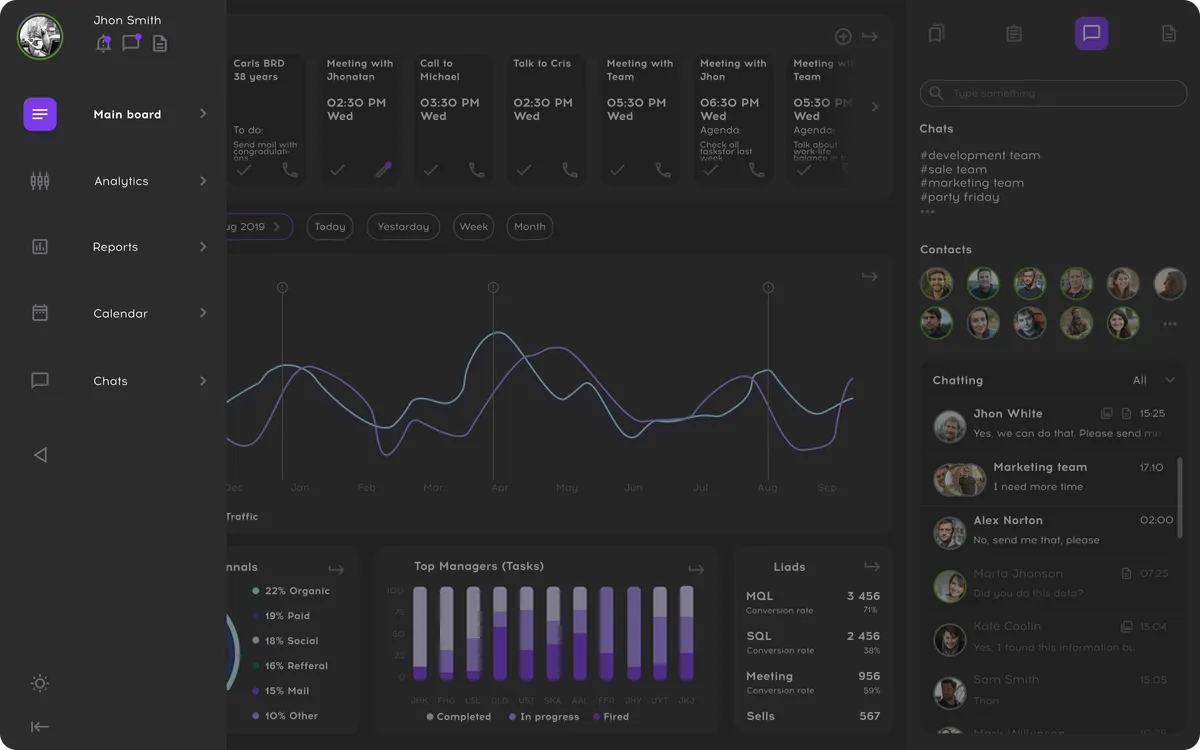
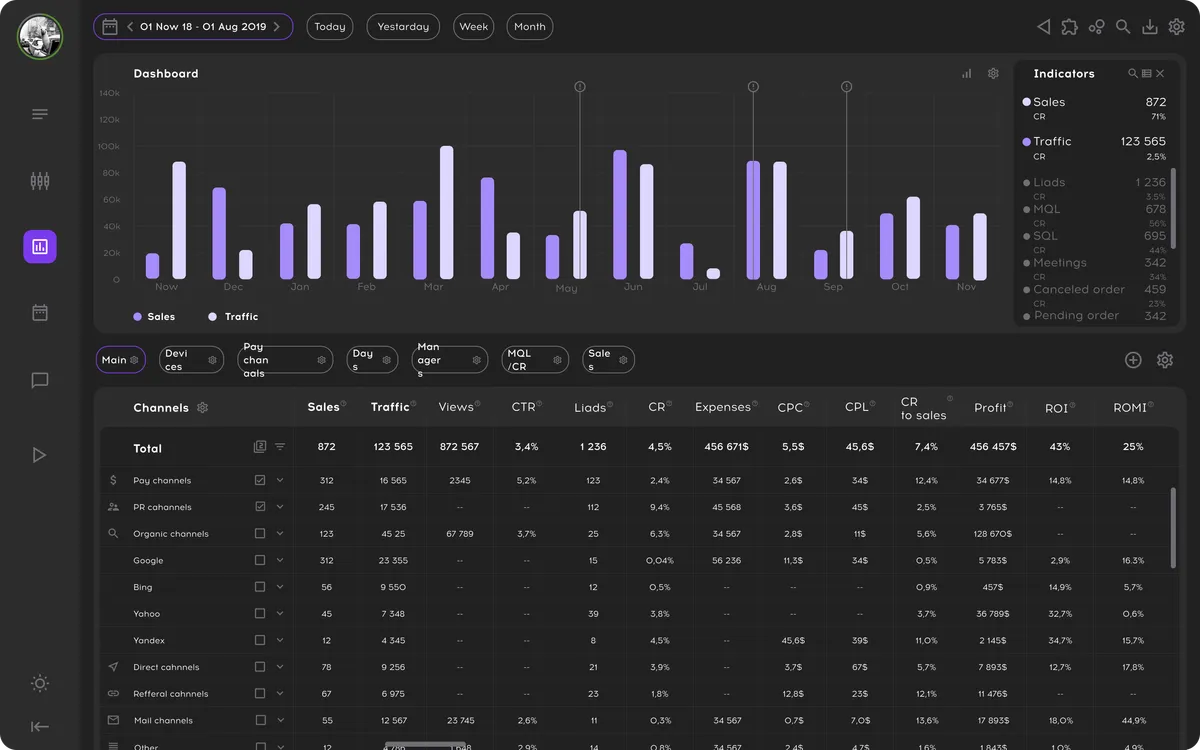
Real-time insights at your fingertips
Data syncs across your team instantly. Real-time access, with 99.9% uptime.
Connect all our contacts
Sync with your calendar apps and contacts. Google, Outlook, ProtonMail, and more.
Dashboards for all businesses
Lorem ipsum dolor sit amet consectetur adipisicing elit. Fugit totam delectus rerum, reiciendis.
Core Advantages
One-Click Translation for Effortless Foreign Videos
YouTube Dubbing is an online browser extension that stands out from traditional subtitle plugins. Instead of just translating subtitles, it directly plays the dubbed audio. With one click of the play button, you can translate and listen to foreign-language videos without constantly reading subtitles—significantly boosting your viewing efficiency.
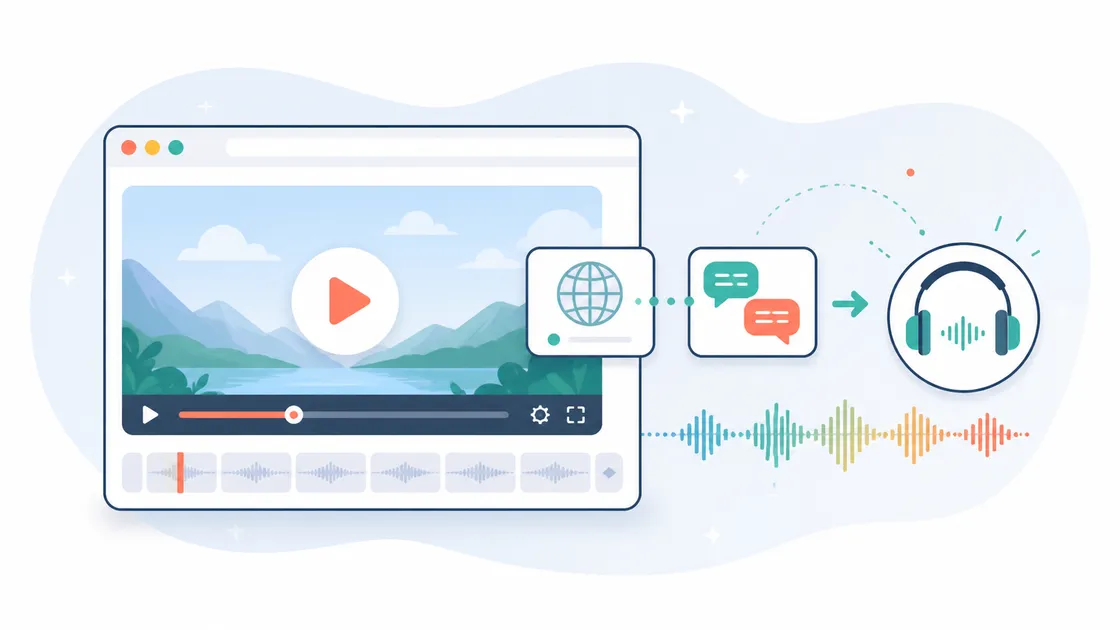
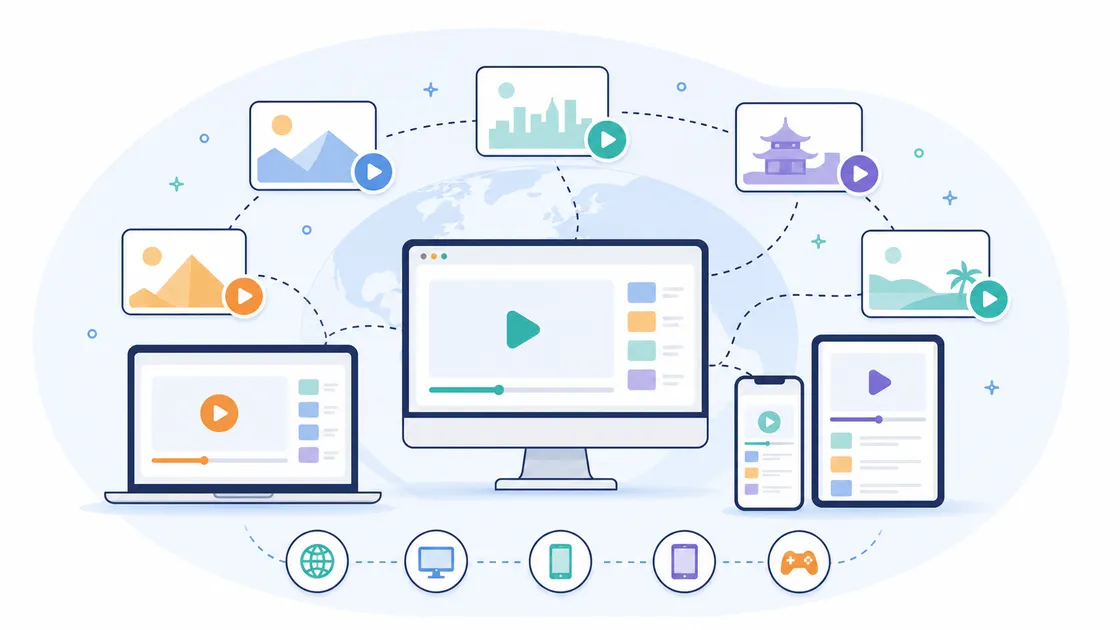
Multiple Languages, Platforms, and Sites
Full Compatibility: Multi-Language & Multi-Site Support
Multi-Language Models: Supports GPT, Claude-series AI models, covering nearly all mainstream languages—from English, Korean, and French to minor languages and dialects. Multi-Platform Usage: Compatible with Chrome, Firefox, and Safari (including iOS). Enjoy foreign-language videos anytime on PC, Android, iOS, and more. Wide Site Coverage: Currently adapted for YouTube, Udemy, Bilibili, and gamedev.tv, with more platforms continuously being added so you never miss any excellent content.
Rich Voices & Advanced Features
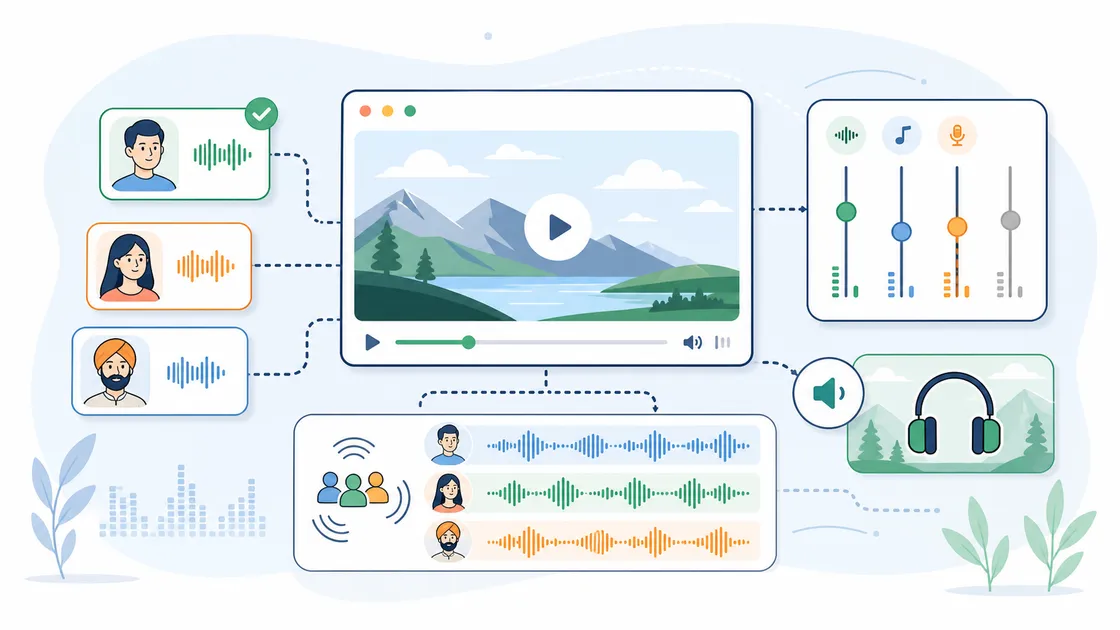
Flexible Voice Switching with Extra Functionality
Multiple Voice Libraries: Choose from male, female, and various regional accents. Different target languages link to corresponding voice banks. Keep Background Audio (Membership): Preserve the original background sound while playing translated audio for a more immersive experience. Speaker Recognition (Membership): Automatically detect multiple speakers and manually assign distinct voices in the plugin for richer audio layers. Webpage Text-to-Speech: Not just for videos—select any text on a webpage to convert it into speech, giving you a hands-free reading experience.
AI Subtitles & Membership Value
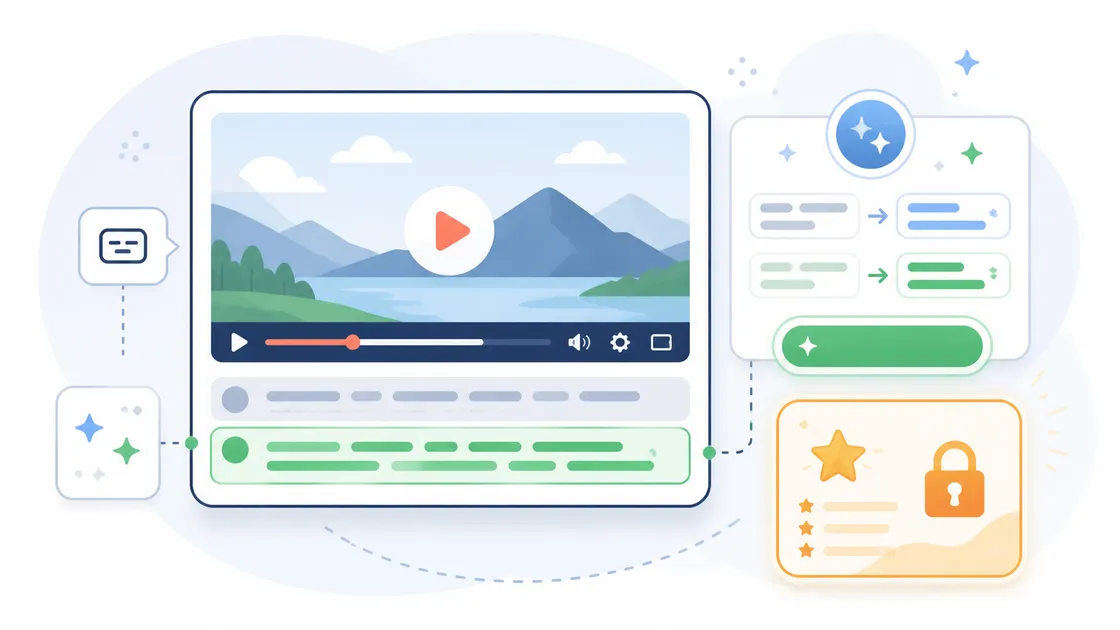
AI Subtitles: More Accuracy, More Convenience
AI Subtitles (Green Button): Addressing YouTube's poor built-in subtitles, the plugin offers AI-optimized subtitles. If you demand higher translation quality and better audio-video alignment, consider upgrading to a membership for an enhanced viewing experience. Subtitle Display: Choose to show translated subtitles simultaneously, letting you check translations while watching. Free & Membership Modes: The core features are free. Membership unlocks higher-quality subtitle translation, background audio preservation, speaker recognition, and other premium functions—so you can watch exactly the way you want.
Universal Dubbing
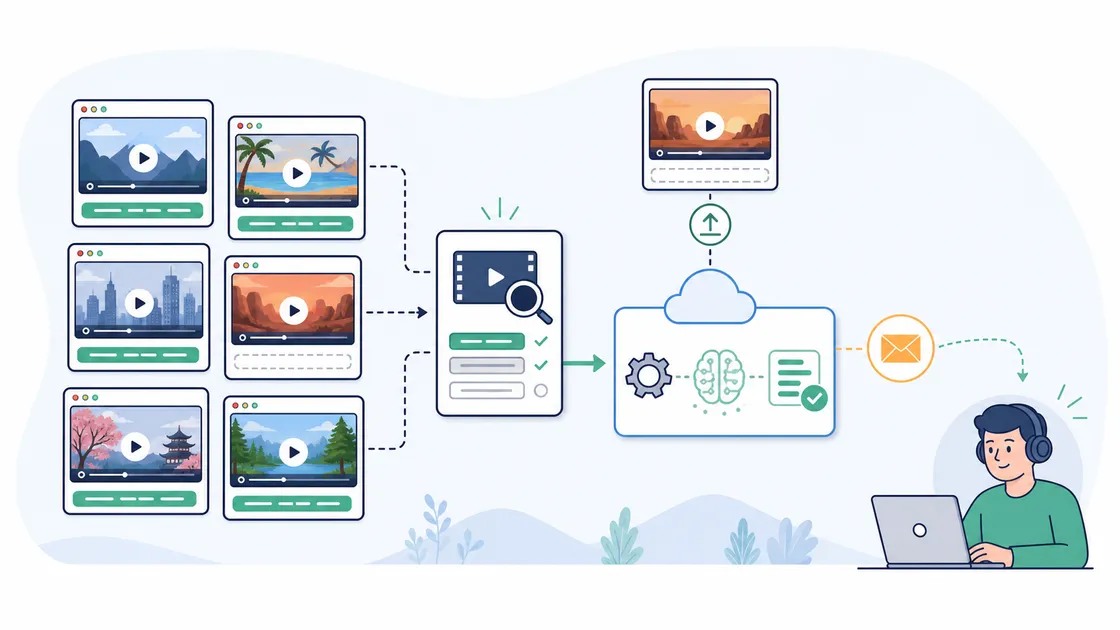
Dub when subtitles exist; recognize them when they don't
The plugin detects website subtitle tracks automatically. For videos without captions, it can guide download and upload for recognition, then email you when the subtitles are ready.
All-Site Summaries
Every supported site can summarize subtitles
Any site supported for dubbing can generate subtitle summaries, helping you quickly catch key points while learning, watching, or researching beyond YouTube.
Subtitle Editor
Translate and dub from your own version
Edit existing subtitles and save a personal version, then use it for translation and dubbing so terms, names, and phrasing match your needs.
Real-time insights at your fingertips
Data syncs across your team instantly. Real-time access, with 99.9% uptime.
Dashboards for all businesses
Lorem ipsum dolor sit amet consectetur adipisicing elit. Fugit totam delectus rerum, reiciendis.
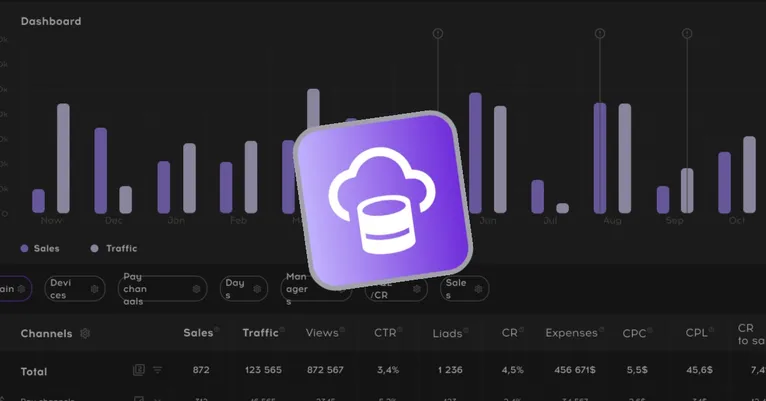
Connect all our contacts
Sync with your calendar apps and contacts. Google, Outlook, ProtonMail, and more.
Testimonials
Hear from our customers

Ewerton Luiz
Chrome Web Store Reviewer
Muito boa a extensão. Tem um audio mais agradável.

Darwin Rivera
Chrome Web Store Reviewer
Es perfecto, el mejor que he probado hasta la fecha, gracias muchachos por tan genial producto. Les viene mucho éxito.

Ueiler Roberto
Chrome Web Store Reviewer
Uma das melhores. Amei essa extensão, ajuda muito a quebrar a barreira de idiomas. O vídeo fica sincronizado com a voz. Recomendo!!

사키사키사
Chrome Web Store Reviewer
이렇게 돈쓰고도 안아까운 플러그인은 첨이네 이가격에 성능 미쳤습니다. 굿굿굿

杨辉宏
Chrome Web Store Reviewer
不错的开发者 感觉这个软件给世界做出了很大的贡献,体验很不错。

Orz Hp
Chrome Web Store Reviewer
伟大无需多言!!!消灭语言隔阂,建造当代巴别塔,我辈义不容辞!!!
Pricing
Simple pricing for everyone
One price, all features
Lorem, ipsum dolor sit amet consectetur adipisicing elit. Exercitationem tempora tempore non dolore accusamus odio!
- All current features
- All future updates
- Advanced analytics
- 1 user
- Private forum access
- Discord channel access
FAQ
Answers to all your questions
What are optimized subtitles?
How are subtitles optimized?
Are there any limitations on subtitle optimization?
How fast is the subtitle optimization?
What's the difference between free and paid users?
Any limitations on AI translation?
Make more money
What are you waiting for?
Get your beautiful and effective website up in running in a snap with Galaxy today.